Categories & Subcategories
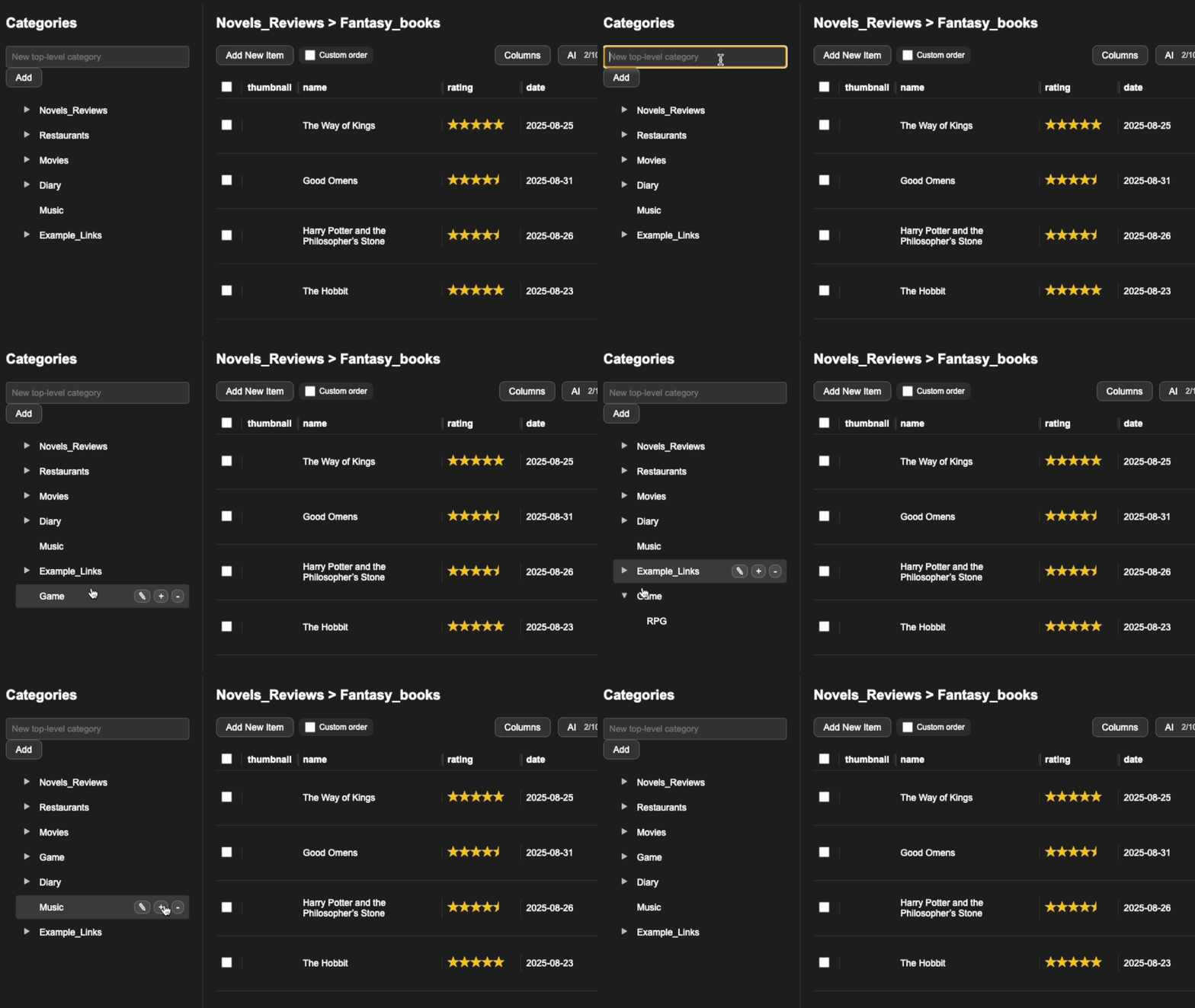
Organize your library using a hierarchical category tree on the sidebar.
Create
- Click + New Category in the sidebar.
- Name it and press Enter.
- To create a subcategory, use the context menu or drag under a parent.
Rename / Delete
Use the icons on the right of a category to rename or delete it. Deleting a category won’t remove your files—only the items are removed.
Reorder
Drag & drop categories to change order or move between parents.