
Items (Add, Edit, Remove)
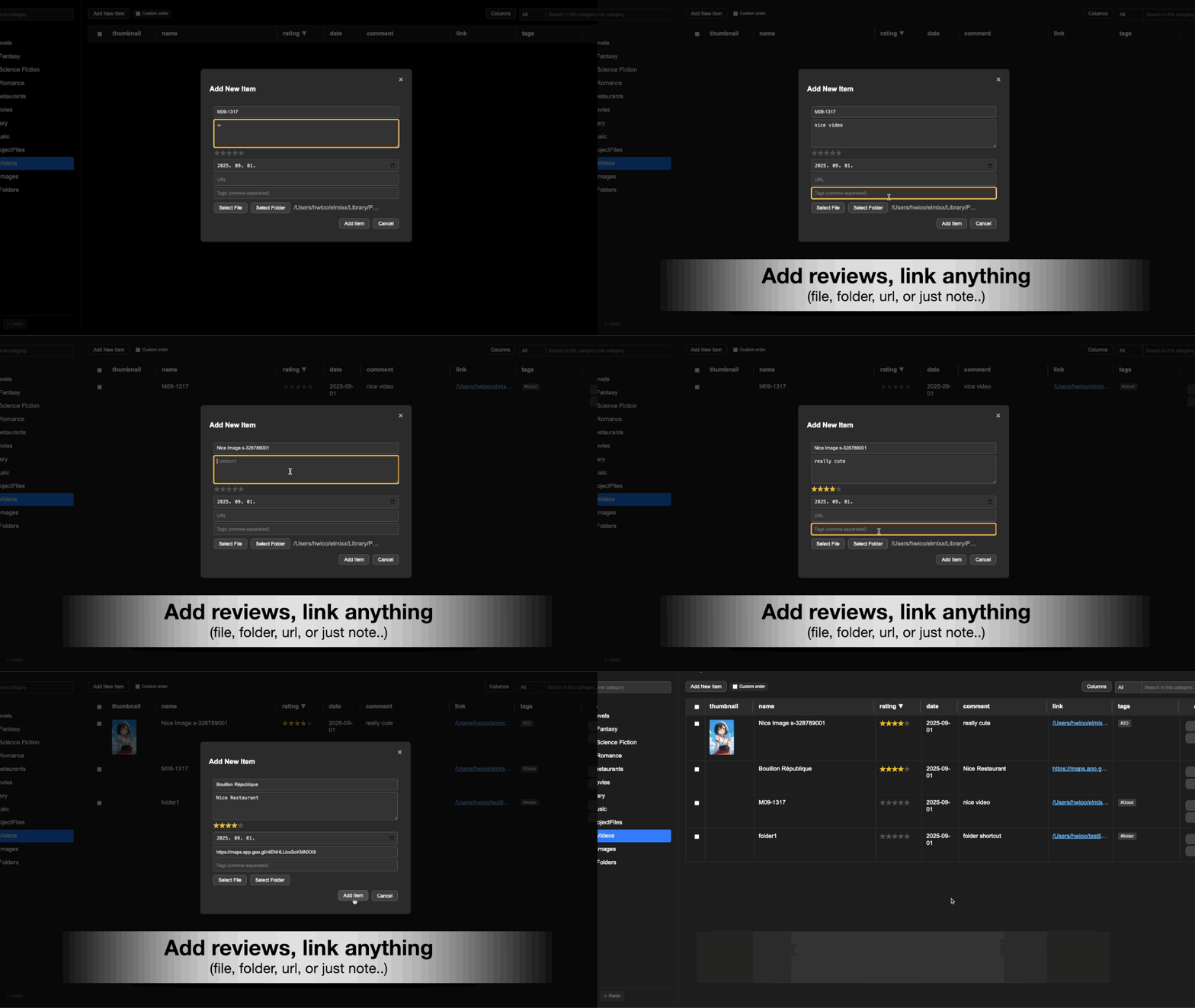
Add files, folders, links, or notes as items in any category.
Add
- Click + Add Item and choose File / Folder / URL / Note.
- Or drag files/folders from your OS into the items table.
Drag & Drop
Drop files or folders from your OS into RevTrove to create linked items.
- Drag your file or folder to the item editor to add it.
Edit
Select an item to open details: title, tags, rating, notes, and custom fields.
Remove
Delete removes the item entry from RevTrove (does not delete the original file).
Use bulk actions for multi-select changes.